An open shadcn theme

Structured framing.Liquid motion.Typographic clarity.

A shared design language for clear, tactile interfaces. Install the theme, then compose with its components.

Structure, motion, hierarchy

Principles

Structured Liquidity is a shadcn theme built on three rules. Each rule comes from one design tradition.

PrincipleThe ruleTraditionHow it shows up
01StructureBorders, a strict grid, and square corners show how content is grouped and what you can click.Neo-brutalismSquare corners, defined borders, and flat offset shadows. Surfaces feel solid, and anything you can press looks pressable.
02MotionA few select animations, used the same way everywhere, keep the system cohesive. They show what changed, and reduced-motion settings are respected.Liquid glassFrosted, see-through layers and one shared way to open, close, and change state.
03HierarchySize, weight, and position show what matters most, so a page can be scanned in seconds.INTL typographicA disciplined grid, a clear type scale, and monospace labels and captions.

The toolkit

Components

Every component below is live. Copy its install command to add it to your project, or view its source.

Actions

Button

Triggers an action or event, such as submitting a form or opening a dialog. Pick a variant to signal how important or risky the action is.

Registry item

Installation

pnpm dlx shadcn@latest add https://structured.glass/r/button.json

Usage

import { Button } from "@/components/ui/button"
<div className="kit-row">
  <Button>Primary</Button>
  <Button variant="secondary">Secondary</Button>
  <Button variant="outline">Outline</Button>
  <Button variant="destructive">Delete</Button>
</div>

Examples

Default

The main variants: default, secondary, outline and destructive, set with the variant prop.

Ghost and link

Low-emphasis actions use variant ghost or variant link, which drop the frame and shadow.

Sizes

The size prop accepts sm, default, lg and icon; icon-only buttons need an aria-label.

With icon

Place an icon before the label as a child and the button spaces it automatically.

Disabled

The native disabled attribute dims the button and blocks pointer events.

Loading

Swap the icon for a Spinner and set disabled while the action is in flight.
Examples in the wild

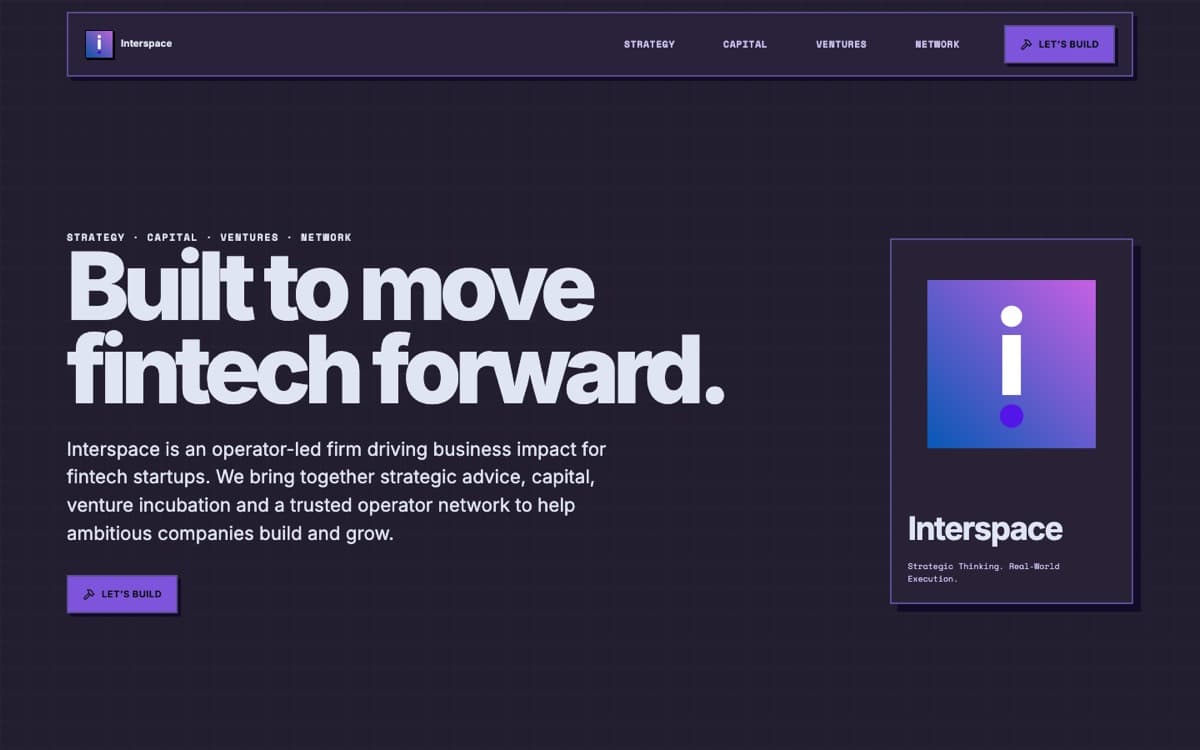
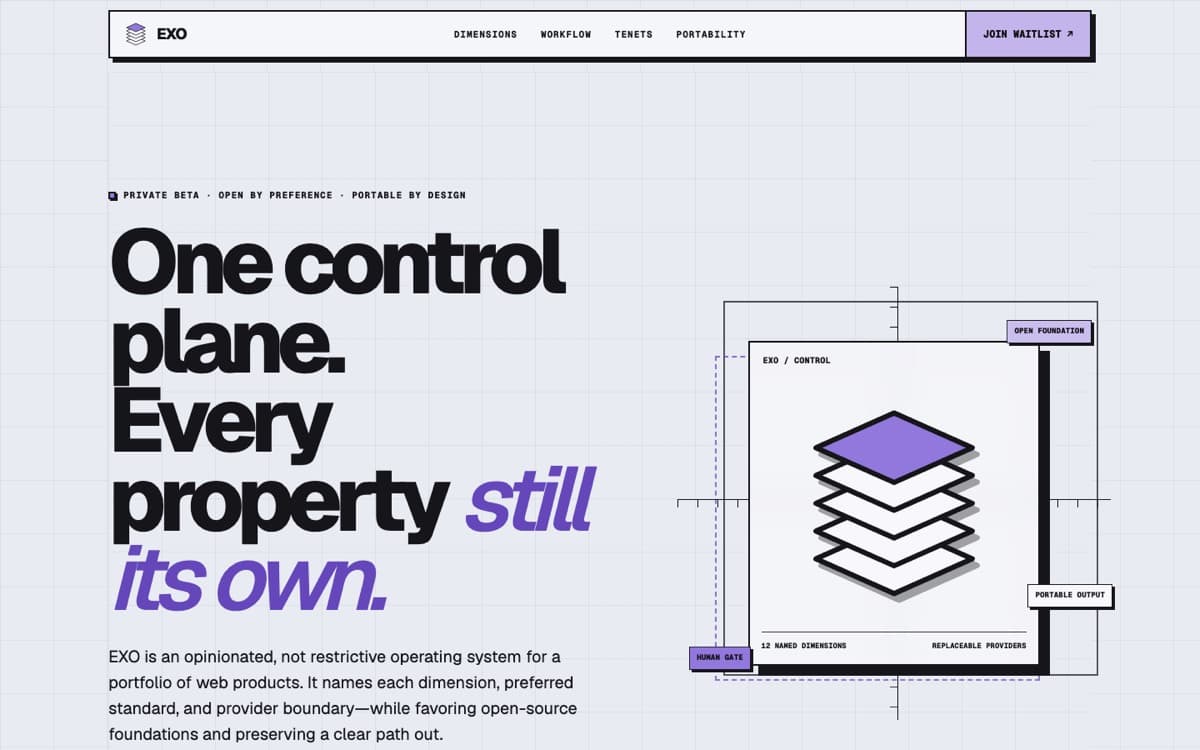
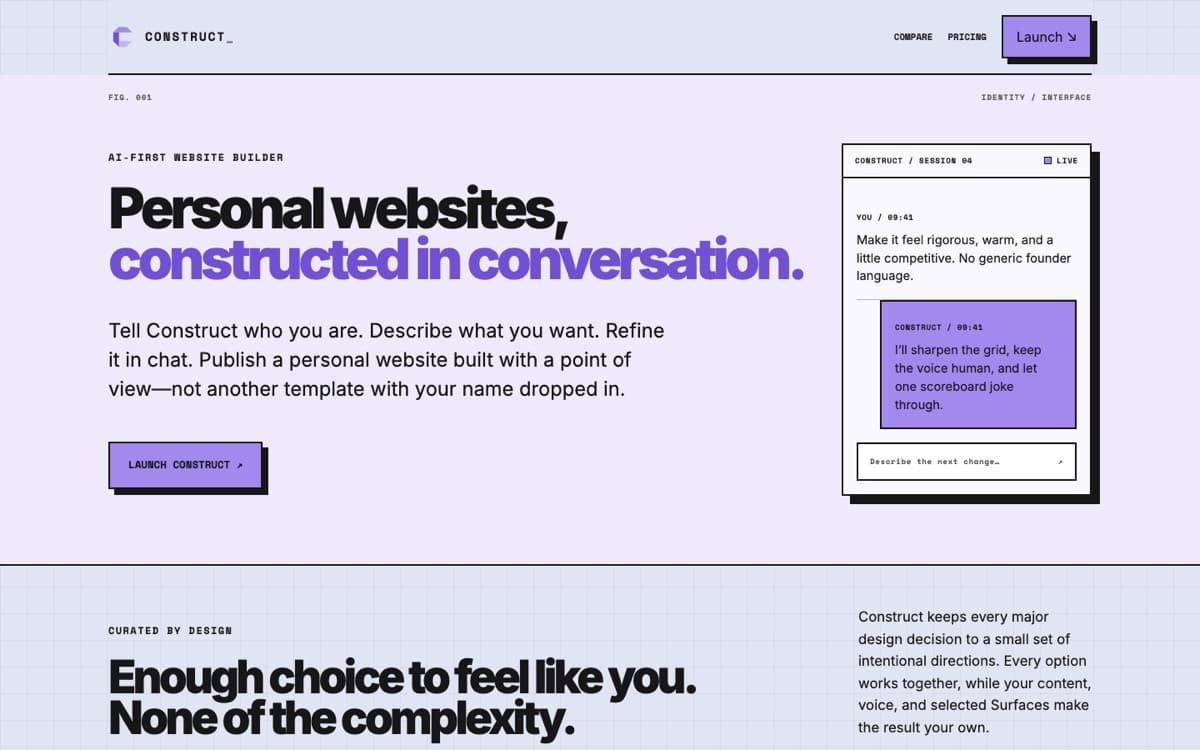
Showcase

For agents

Install the language first.

Give a coding agent one command before its first UI edit. It installs the theme and a local Structured Liquidity skill, so the rules live in the project instead of being rediscovered.

1. Theme + agent skill (run first)
npx shadcn@latest add https://structured.glass/r/structured-liquidity-agent.json
Or: theme only
npx shadcn@latest add https://structured.glass/r/structured-liquidity.json
2. Agent prompt
You are designing in the Structured Liquidity UI language.

Before editing UI, install the theme and its local agent skill:
npx shadcn@latest add https://structured.glass/r/structured-liquidity-agent.json

Verify .agents/skills/structured-liquidity/SKILL.md exists, read it, then continue.

Rules:
- Square corners, defined borders, and flat offset shadows (never blurred).
- One accent carries all emphasis.
- A few shared animations, used the same way everywhere; respect reduced motion.
- Layers open in the page from their trigger; content moves aside. No pop-ups or modal backdrops.
- One grid, a clear type scale, and mono only for labels, captions, and data.
- Destructive surfaces are neutral gray, never red.

Full spec: https://structured.glass/llms.txt